
Two Ways to Sync
Photoflare gives you two complementary ways to keep your photos backed up to your PhotoPrism server — one that responds to changes immediately, and one that runs on a schedule in the background.
Camera Roll Detection
When you open Photoflare, it checks your iPhone's camera roll for any new or changed photos since the last sync. If it finds new content, it uploads it automatically according to your sync rules — no manual action required. This also triggers whenever your photo library changes while the app is open.
This is the fastest way to get new photos onto your server. Take a photo, open Photoflare, and the upload starts immediately.
Scheduled Background Fetches
For hands-free syncing, you can schedule an unlimited number of background fetch times. At each scheduled time, iOS wakes Photoflare briefly in the background to run your sync rules — uploading any new photos without you needing to open the app.
Background fetch is governed by iOS and is not guaranteed to run at the exact scheduled time. The system considers factors like battery level, network availability, and device usage patterns. In practice, schedules are a strong hint — but iOS has the final say on when background work actually runs.
Sync Rules
Both sync methods are powered by sync rules. Each rule specifies a source album on your device and a destination server (and optionally an album on that server). You can create as many rules as you need — for example, syncing your full camera roll to one server while sending a specific album to another.
When either sync method triggers, all active rules are evaluated and any new photos matching those rules are uploaded to the appropriate servers.
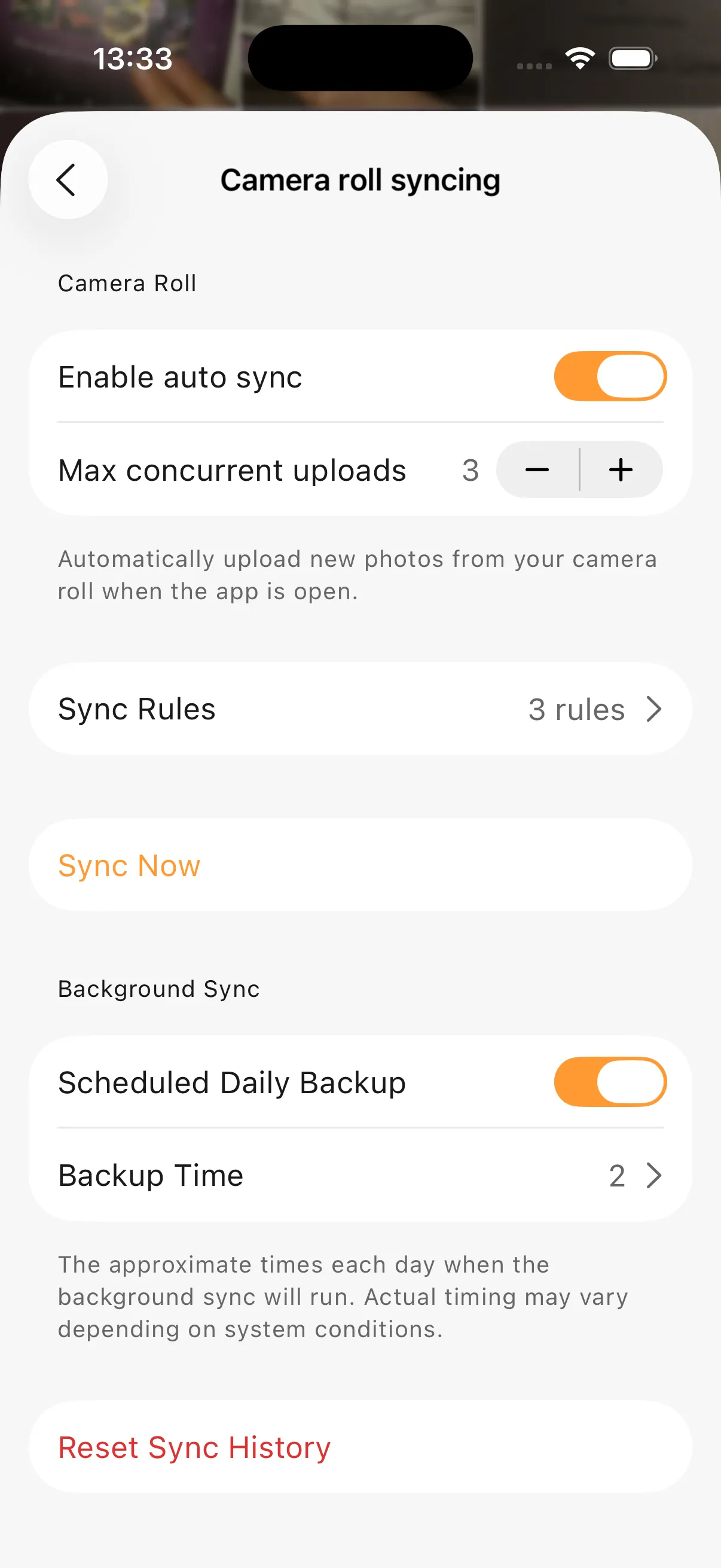
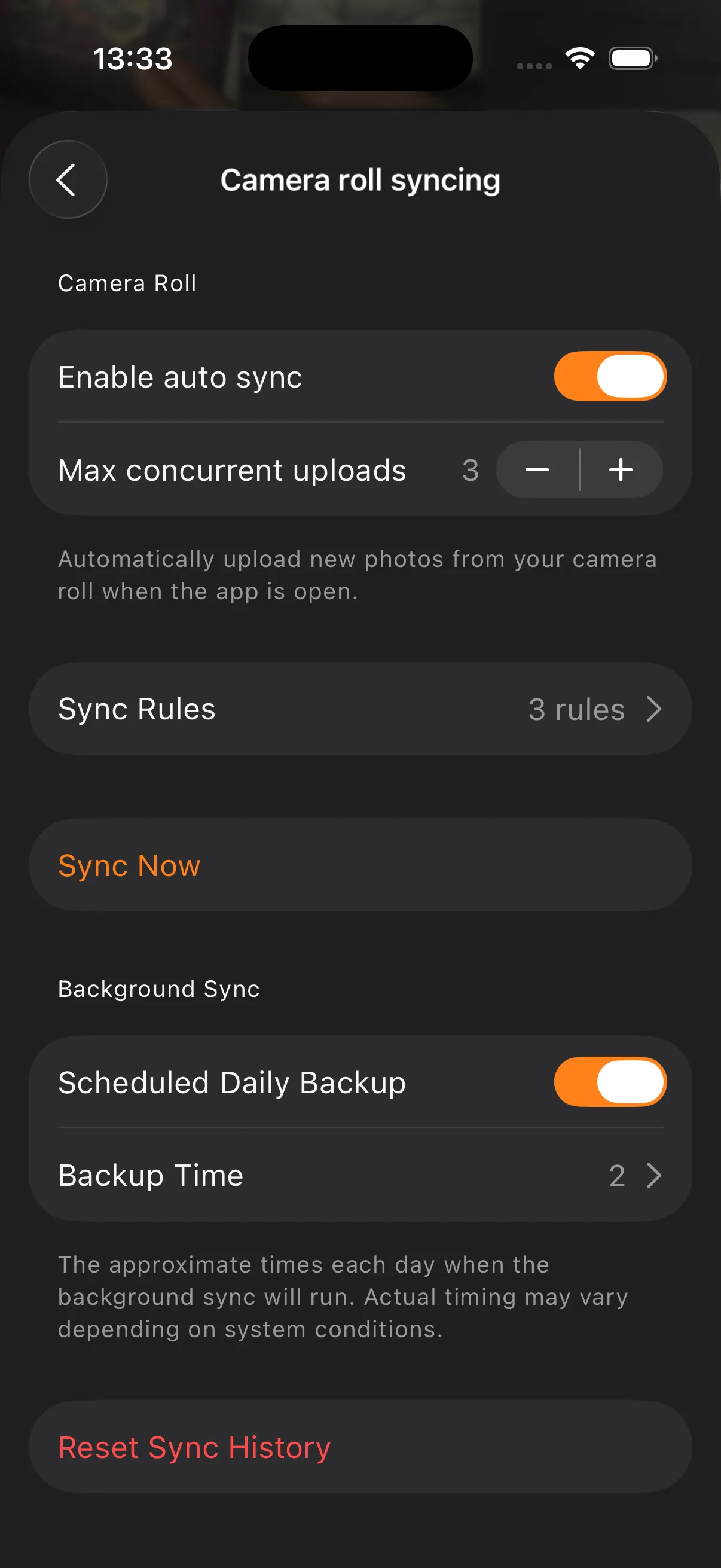
Sync settings
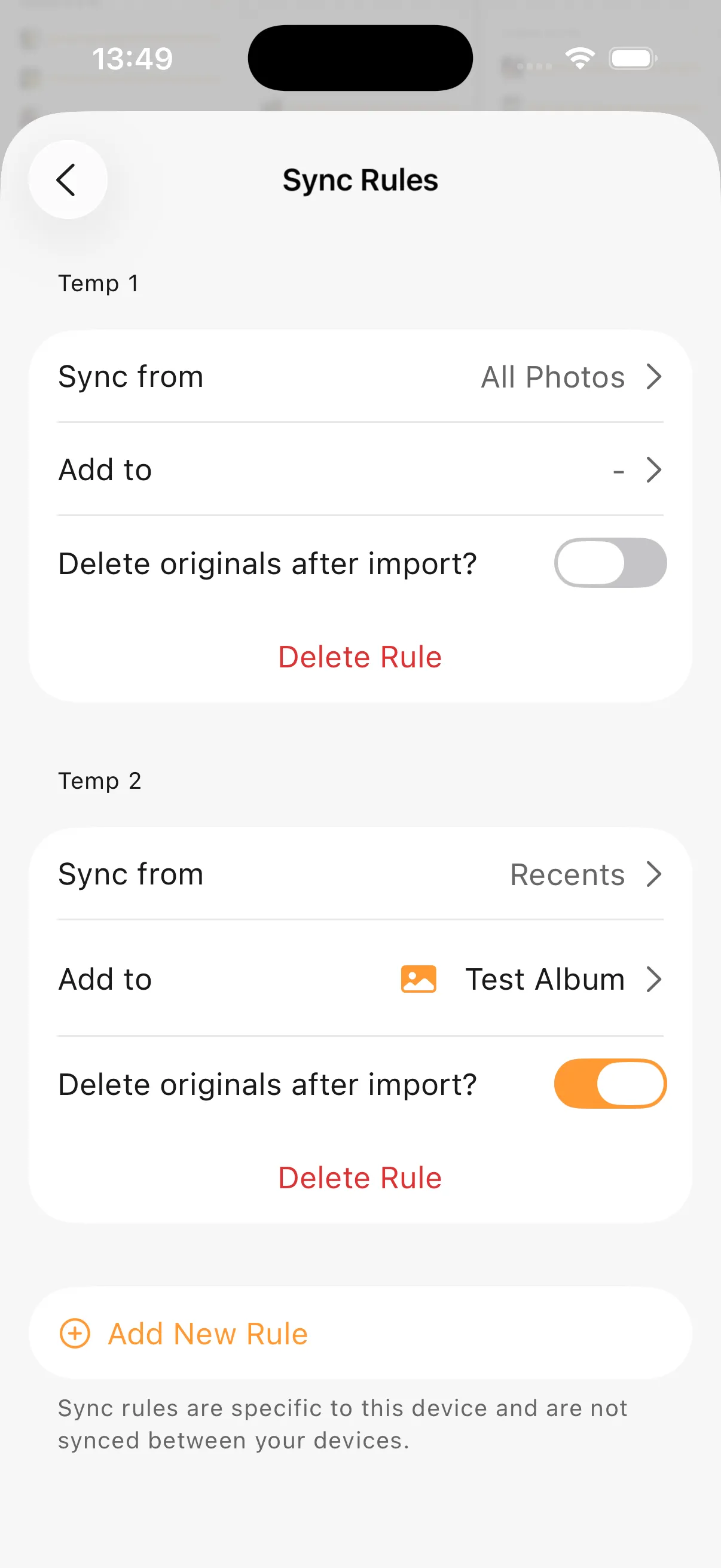
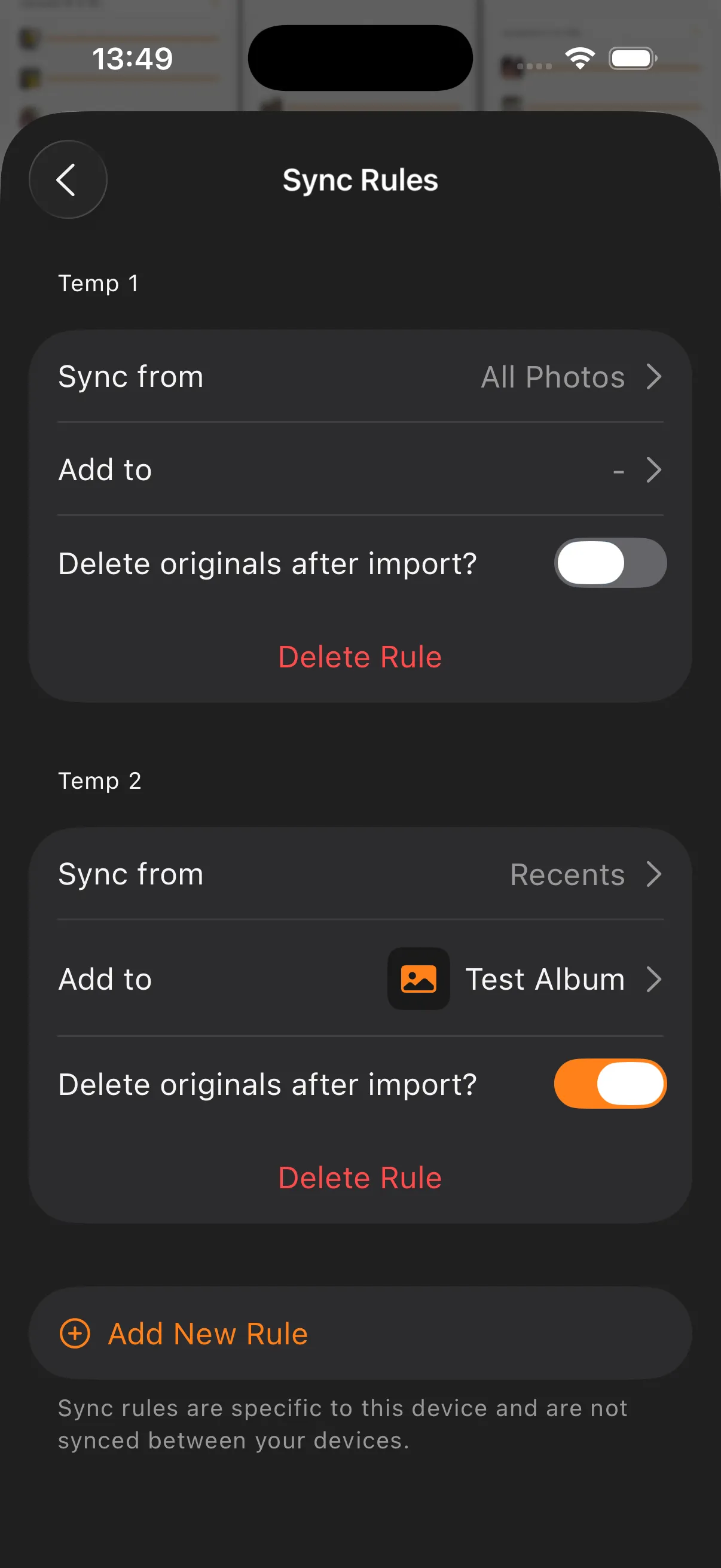
Sync rules
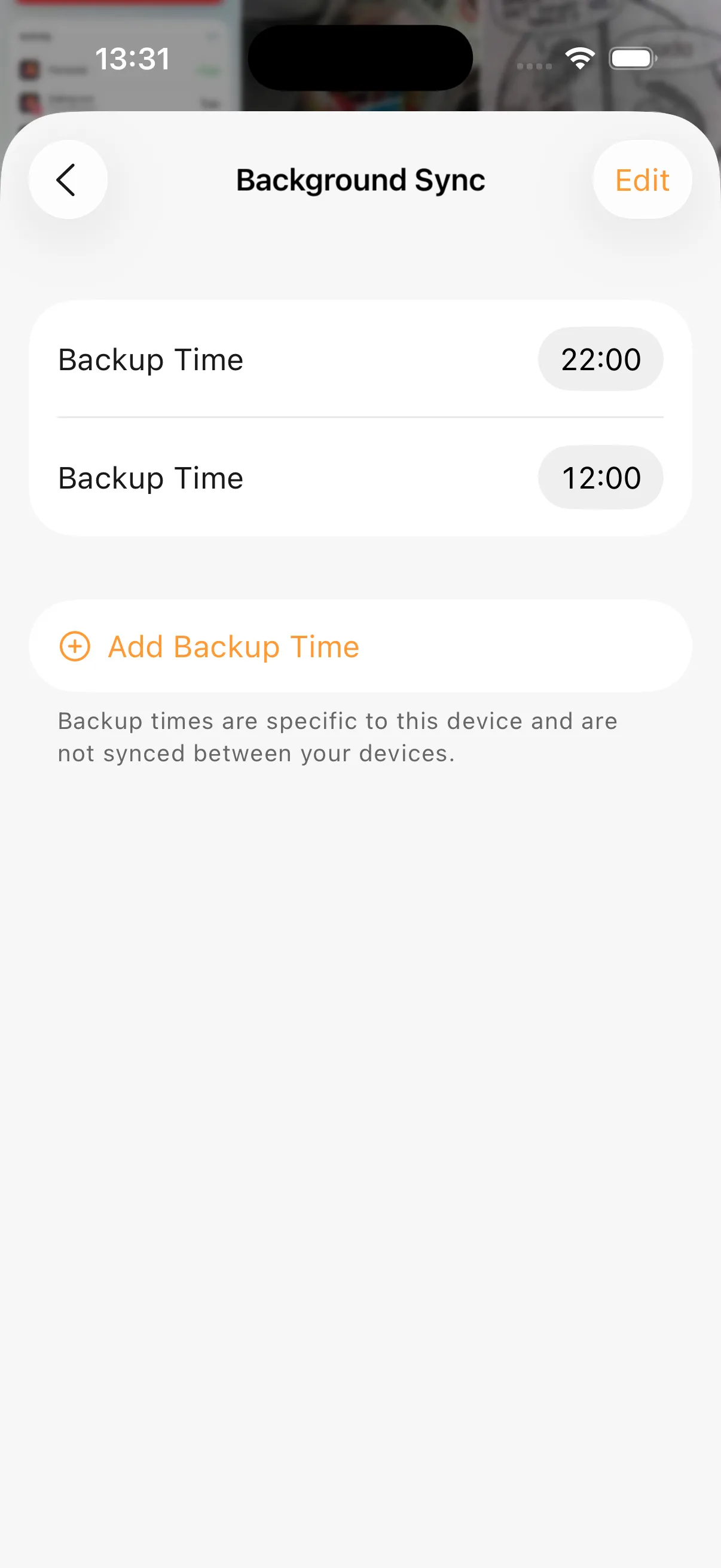
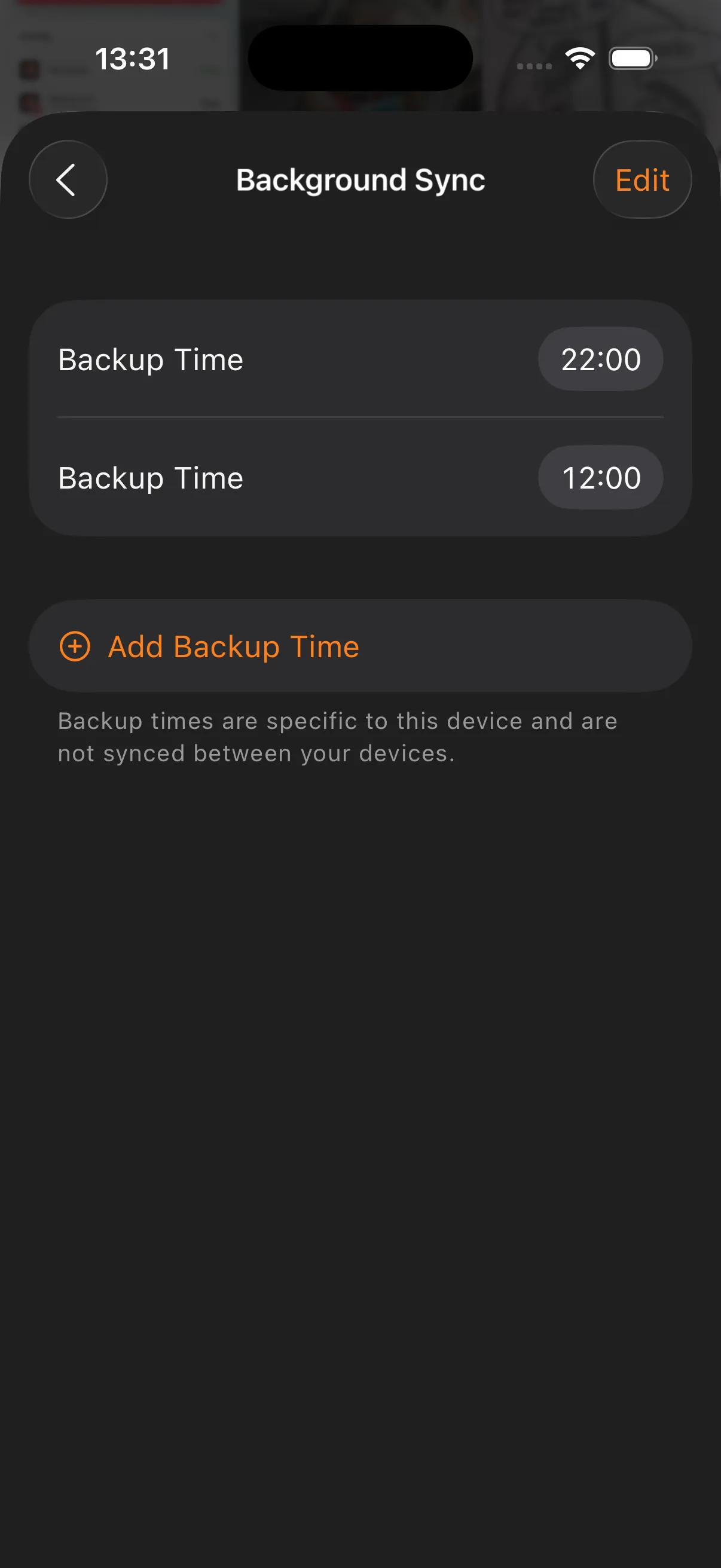
Background schedule