

How It Works
Multi Server lets you add as many PhotoPrism servers as you need — a home NAS, a cloud VPS, a family server — and manage them all from a single app. Each server keeps its own credentials and connection settings, so switching between them is instant.
Add a new server from the settings screen, give it a name and colour, and you're ready to go. Photoflare remembers your session for each server, so you won't need to re-authenticate every time you switch.
Unified Library
With multiple servers connected, you can browse photos from all of them in a single, unified library view. No need to switch back and forth — everything appears together in one timeline.
When you want to focus on a single server, open the server filter menu to narrow your view. The filter is always one tap away, making it easy to jump between your unified library and individual servers.
Server Management
Each server can be customised with a name and colour, making it easy to tell them apart at a glance. The colour appears throughout the app — in the server list, the filter menu, and alongside photos in the unified view.
Connection details, authentication, and upload settings are configured independently per server, giving you full control over how Photoflare interacts with each one.
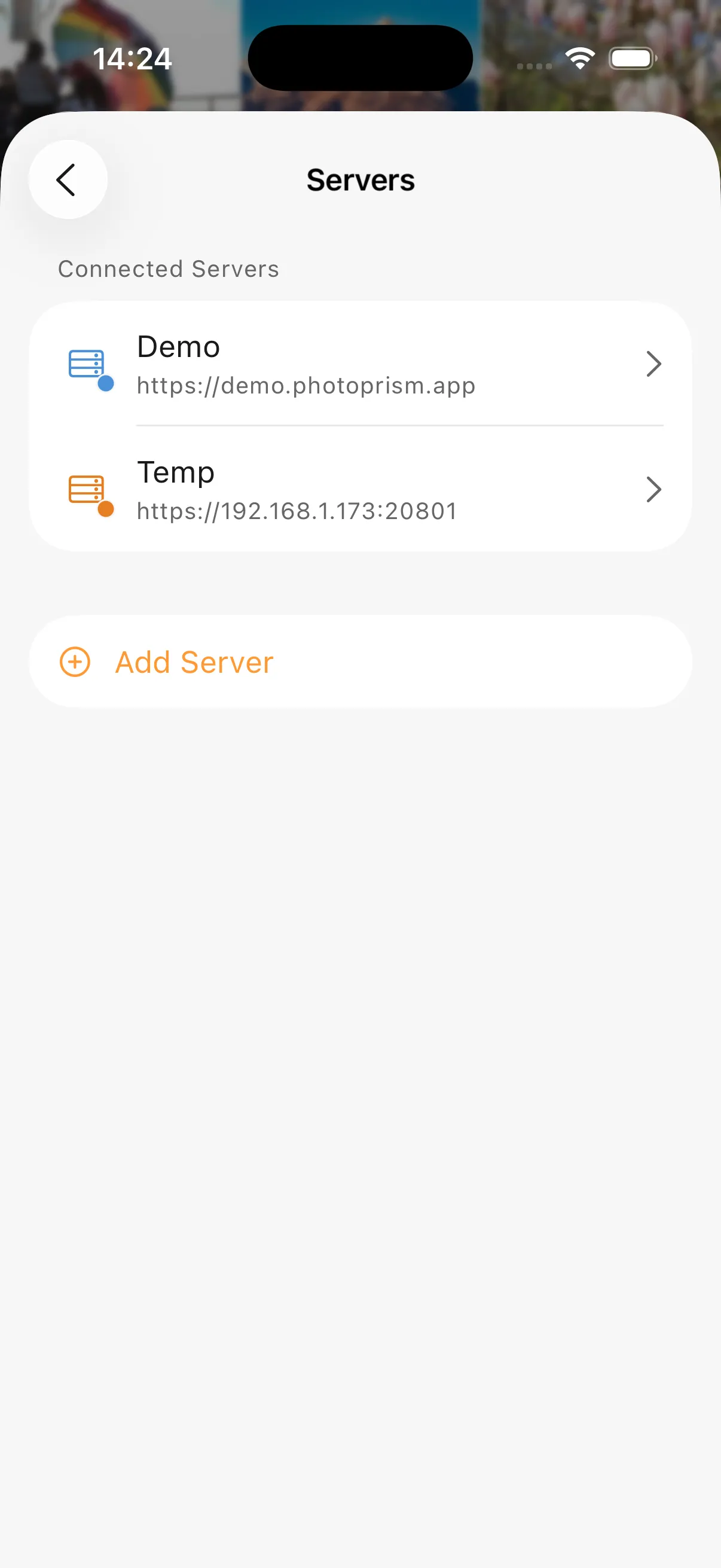
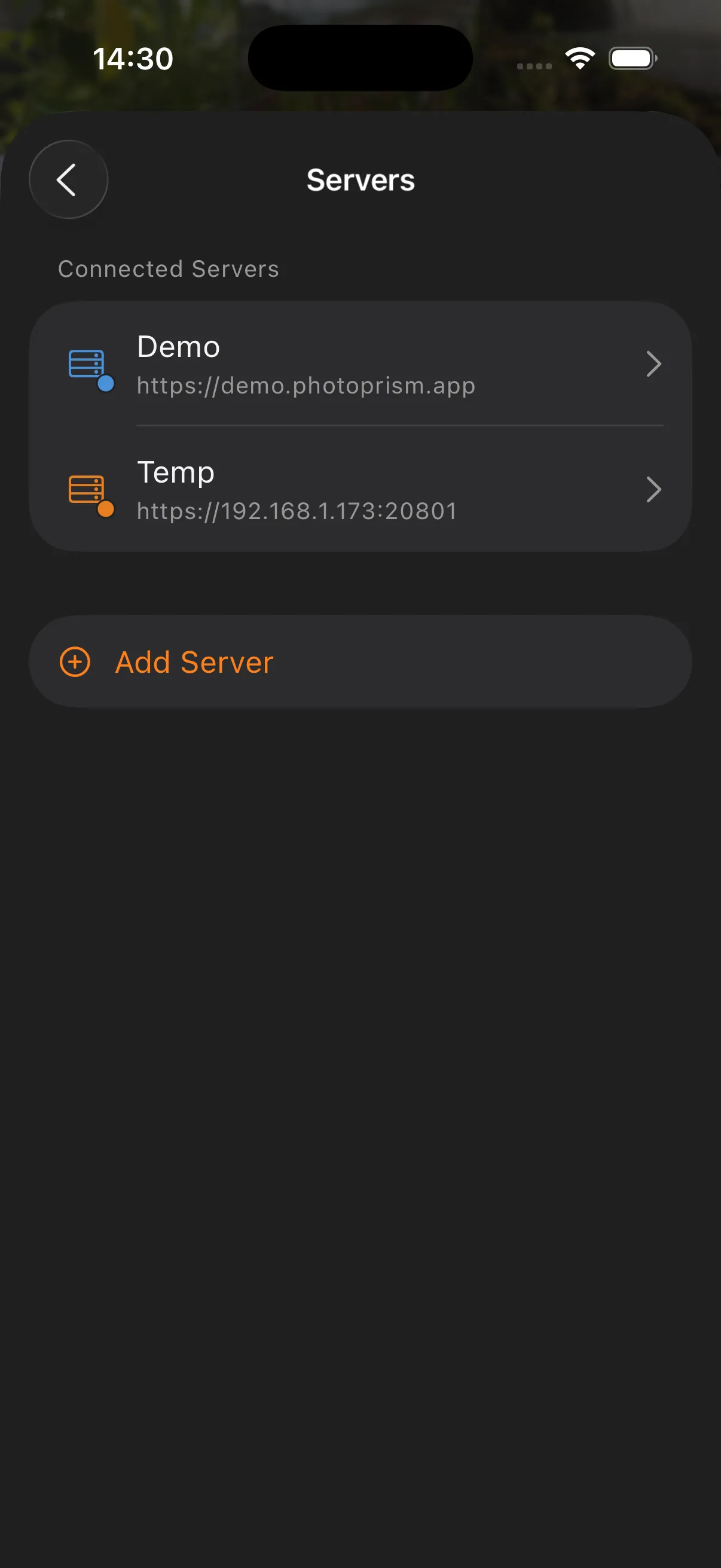
Server list
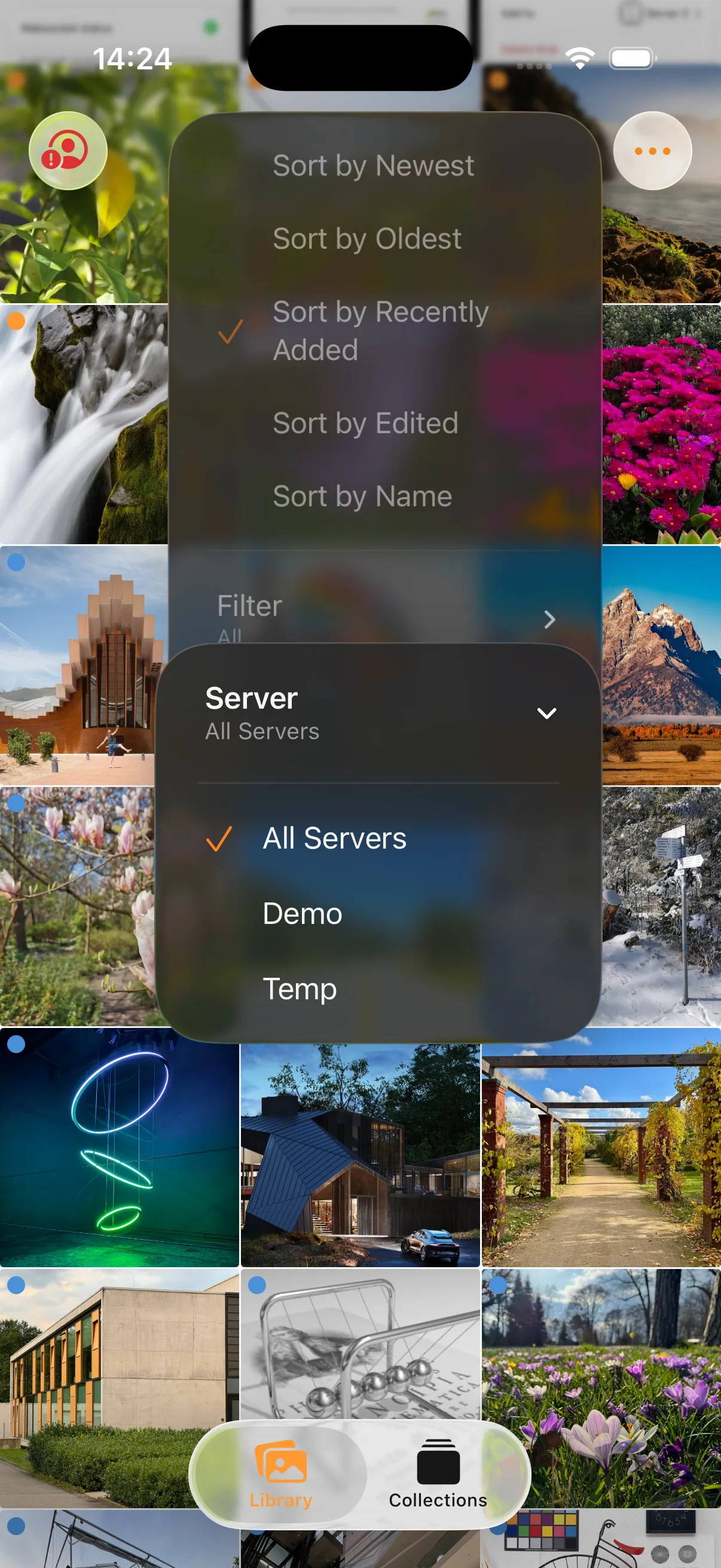
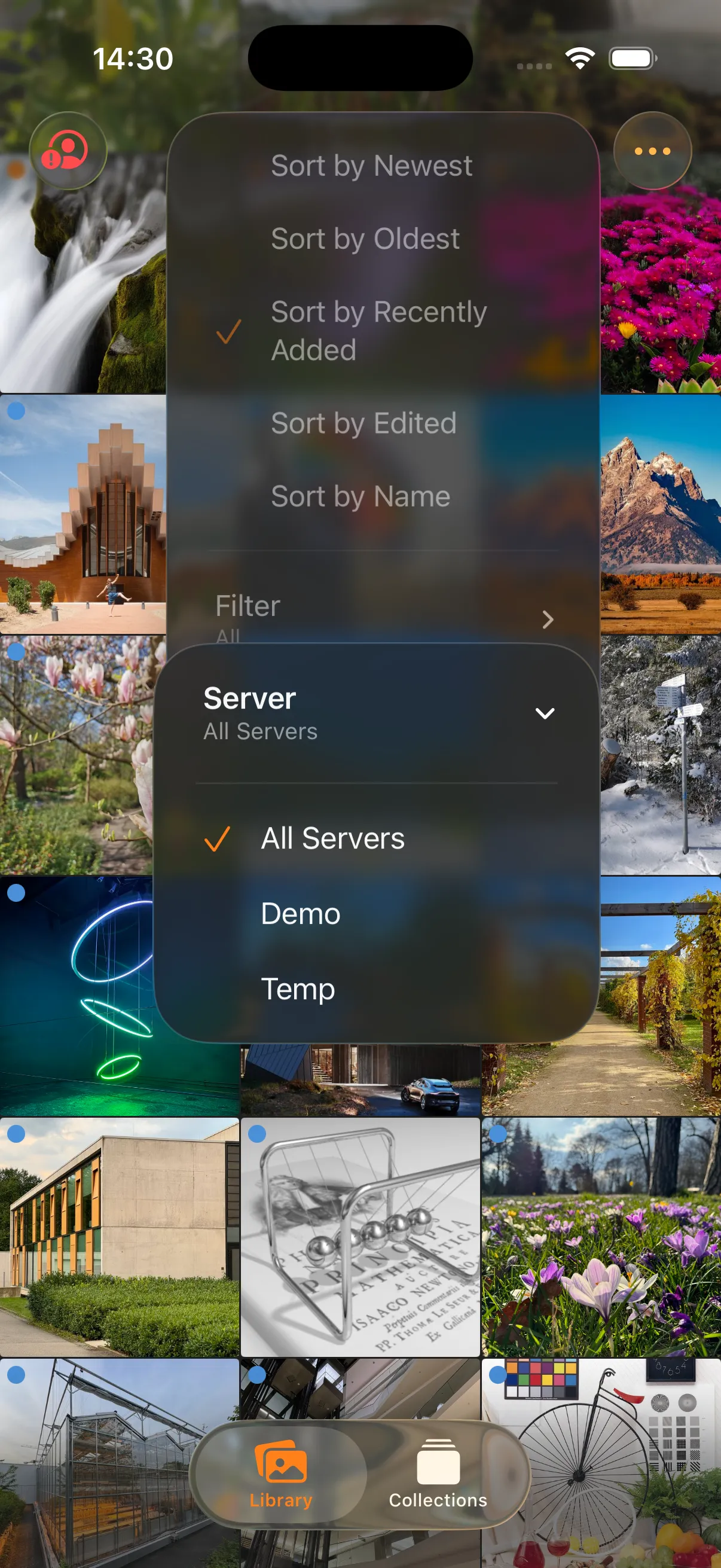
Server filter
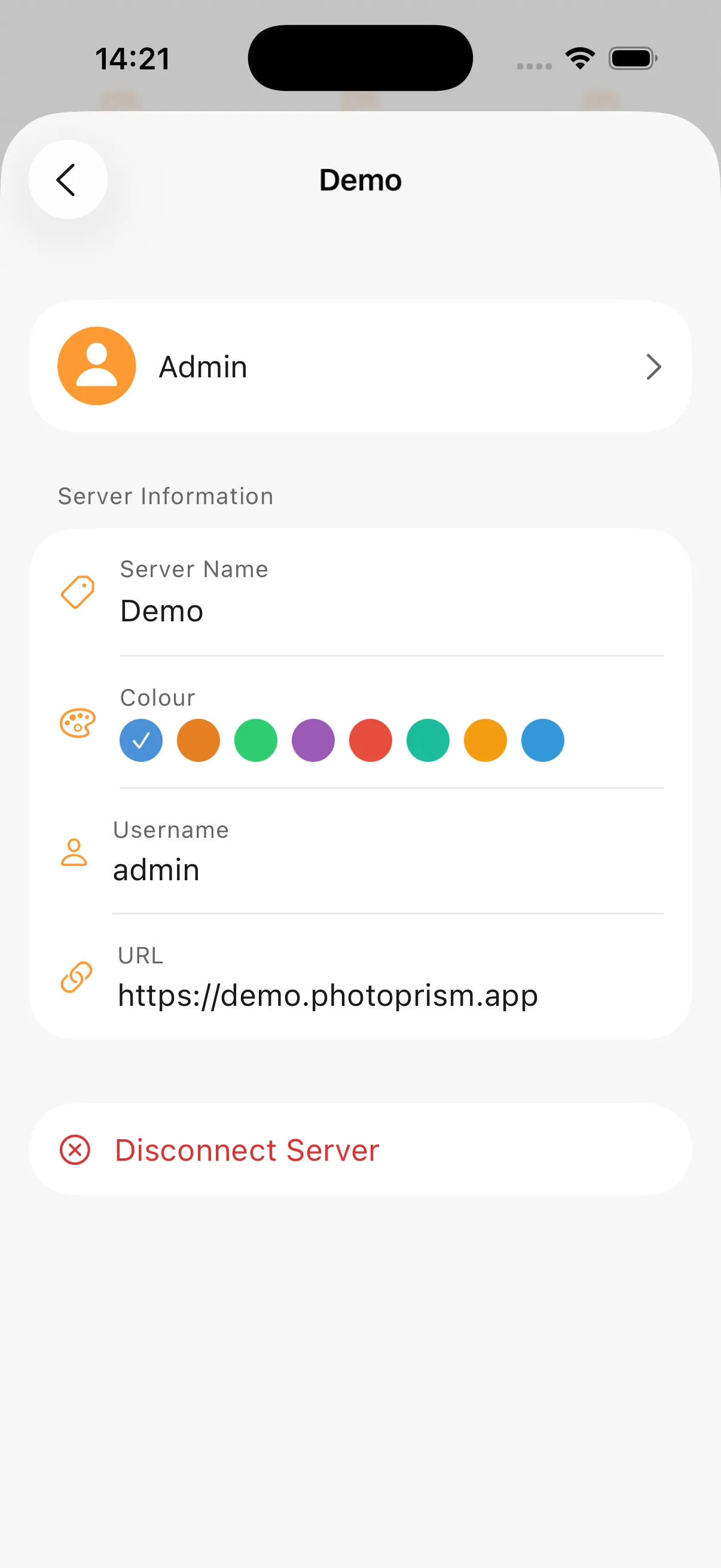
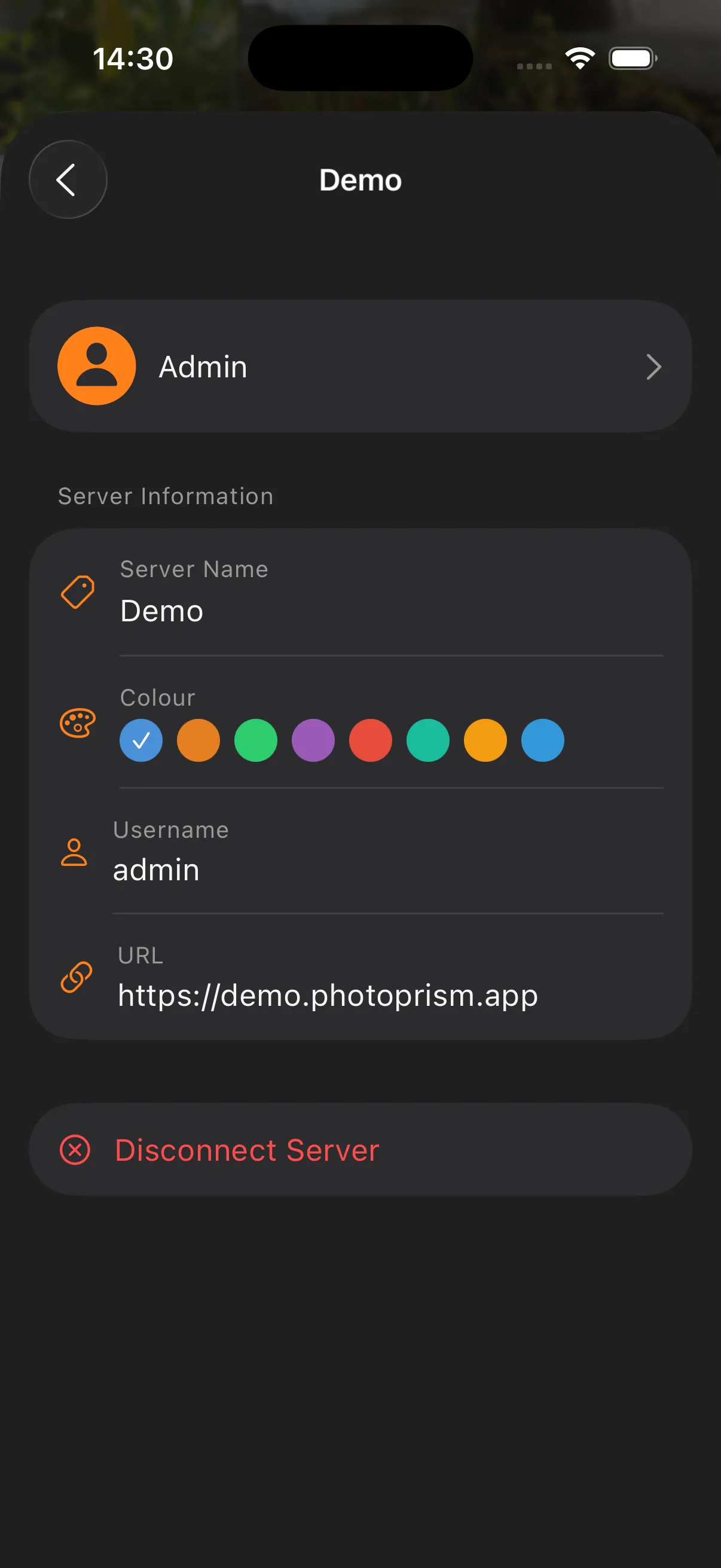
Server settings